A View from Above
Put a drawing, recipe arrangement or small repair directly beneath the camera. Keep the structure low, support both ends and treat retention as a separate problem from framing.
Find the lowest useful height
Lay out the entire composition before building the rig. Hold the phone above it and check how much height you actually need. Use the main camera where practical: very wide views can exaggerate objects near the edges and may reveal the support legs.
Mark the scene boundary with removable tape. Leave enough space for your hands without requiring you to push against a support. If your project includes heat, water, blades or striking tools, do not suspend a homemade rig above the work. Photograph a staged, inactive version instead.
This guide describes a low bridge: a short, rigid crossbar secured to two stable supports. It deliberately avoids a long cantilever made from a broom handle. Length increases leverage, and a stand that feels solid near its base can still rotate or tip when the phone is extended.
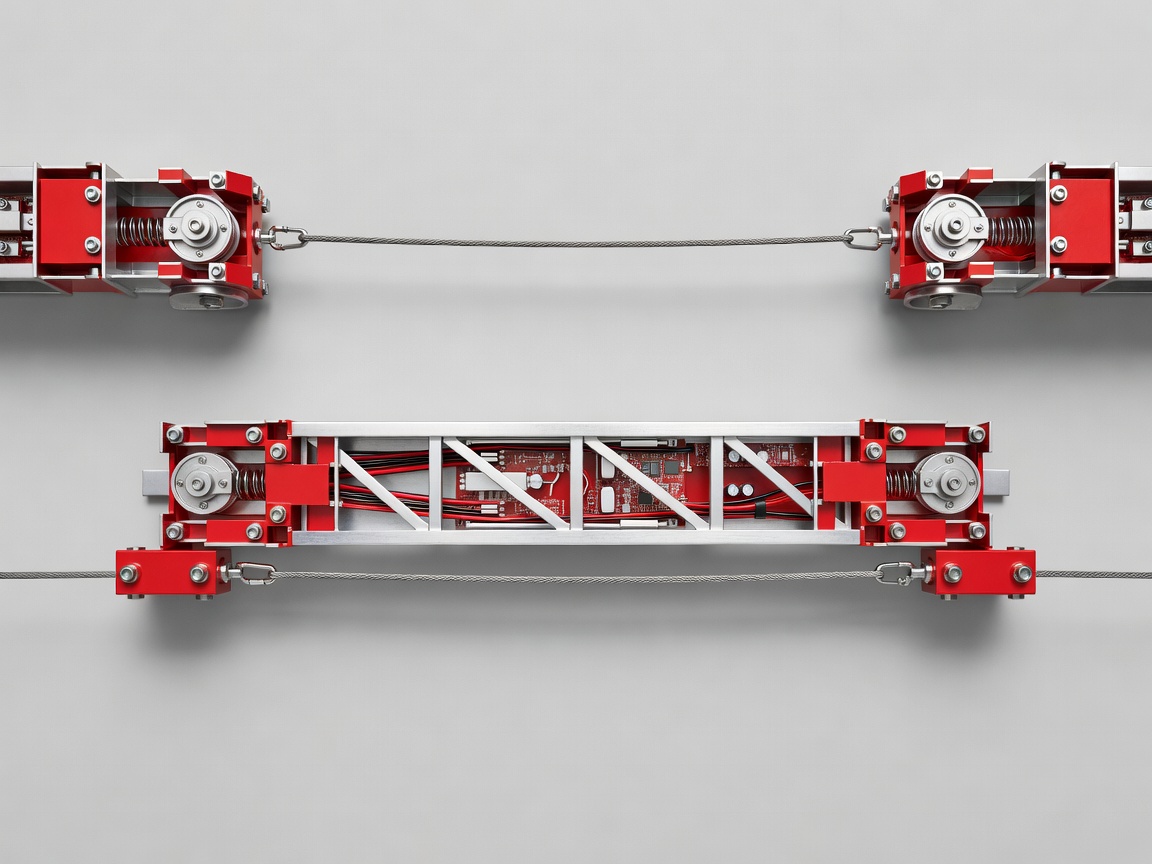
Secure the bridge first
Place the supports on a firm, level surface where they cannot slide apart. Secure the crossbar against sideways movement, rolling and lift. Padding can protect a table, but thick compressible padding may let a clamp loosen as it settles. Follow the clamp manufacturer’s instructions and avoid damaged threads or cracked jaws.
- Keep the crossbar span as short as the composition allows. Position the camera near the middle rather than beyond one end.
- Attach the phone holder to a compatible mechanical mount. A standard 1/4-20 camera thread is common, but do not force an incompatible fitting or assume that matching threads establish a safe load rating.
- Check that the holder grips the intended edges and cannot press a power or volume button.
- Plan a separate tether route to a sound anchor independent of the holder attachment. Keep slack short enough to limit a fall without pulling the phone out of alignment.
Do not hang a phone from adhesive tape, a charging cable, a lanyard loop of unknown strength or a clip attached only to an unsecured case flap. If there is no reliable tether attachment, choose a supported side-angle photograph instead.
Test with an inert dummy
Clear the area under the rig and keep people and pets away. Use an inert object of similar dimensions and mass to assess sag, slipping and rotation before placing the phone. Secure the dummy rather than balancing loose weights overhead. Observe the structure for movement, then apply a gentle disturbance at the table edge.
Inspect both ends of the bridge, every clamp and the holder connection. A support that moves slightly during a test can move further during filming. Tightening harder is not always the remedy: excessive force can damage furniture, crush wood or crack a clamp.
Substitute a shorter sound board for a flexible long one, not a larger pile of ballast for a weak joint. Substitute stable furniture for loose stacks of books. Stop if the supports cannot be secured without obstructing the working area.
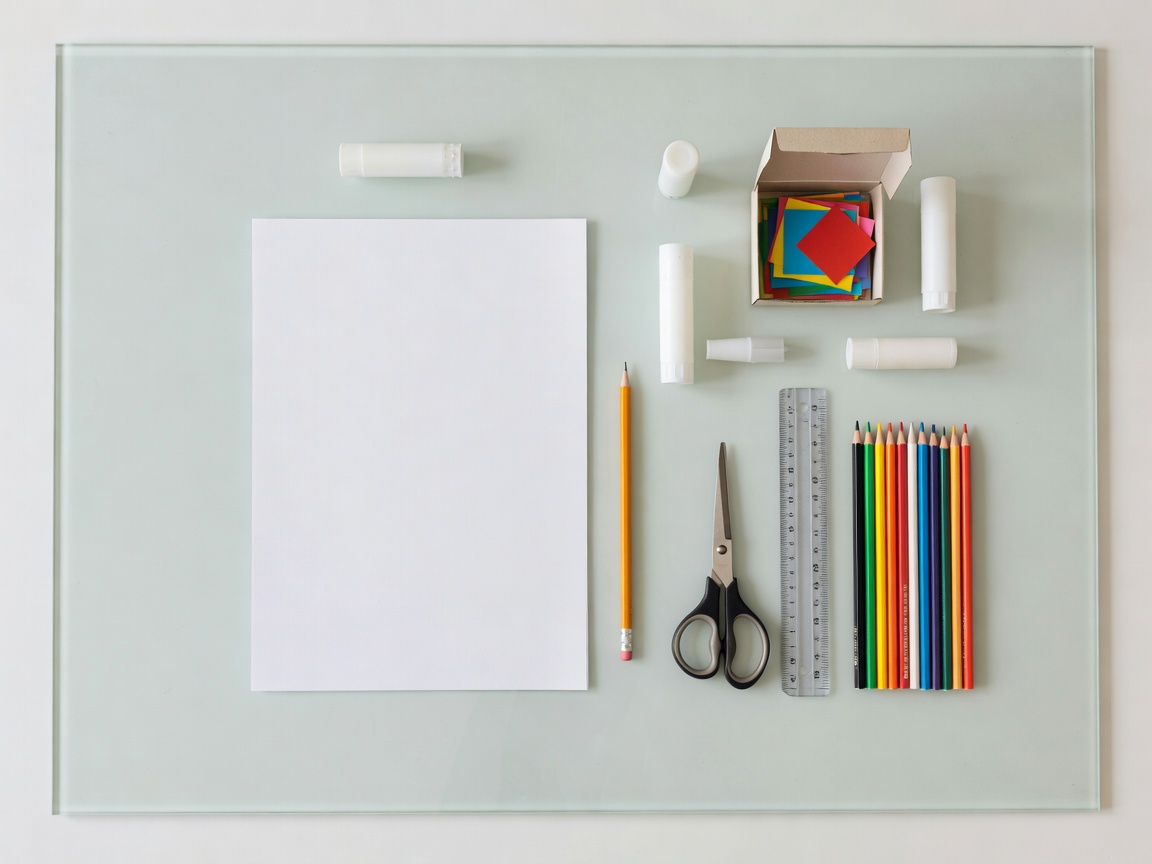
Make small camera adjustments
With a hand supporting the phone, install it in the holder and attach the independent tether. Release it cautiously only after checking retention. Use the camera’s grid to align the phone with the table. A rectangular sheet placed in the scene helps reveal a tilted camera: opposite edges should look parallel when the phone is square to the surface.
Lock focus and exposure if your camera application supports it. Keep bright windows outside the frame and use a white bounce card to lighten shadows. Record a short test, then inspect the corners for support legs, tether lines and unwanted tilt.
For longer clips, monitor temperature and remaining battery. Charging can add heat and a cable creates another snag point; avoid charging during an initial test. Never leave the rig unattended. Remove the phone before changing the crossbar, moving the table or adjusting the supports. The safest adjustment is the one made with nothing valuable hanging above the work.