Closer with Care
Make a holder, not a risky extraction project. An intact magnifying lens, aligned carefully and kept away from the camera glass, is enough to begin exploring close focus.
Try the nearest useful view
Before adding anything, photograph your subject with the normal camera. Some phones switch automatically to a dedicated close-focus camera, while others need more distance than you expect. A tightly cropped sharp image may be more useful than a larger, blurred one from an improvised attachment.
Use a printed word or a leaf as a test target. Move the phone slowly toward it and note where focus stops being reliable. Avoid assuming that digital zoom adds optical detail. Keep that baseline photograph so you can compare the attachment honestly rather than judging only the larger preview.
Choose a small, intact magnifier that is already safely removable from its holder, or a loose educational lens supplied for handling. A lightweight plastic lens is often easier to mount than glass. Do not dismantle laser pointers, optical drives, sealed electronics or anything with a battery simply to obtain a lens.
Keep the optical path clear
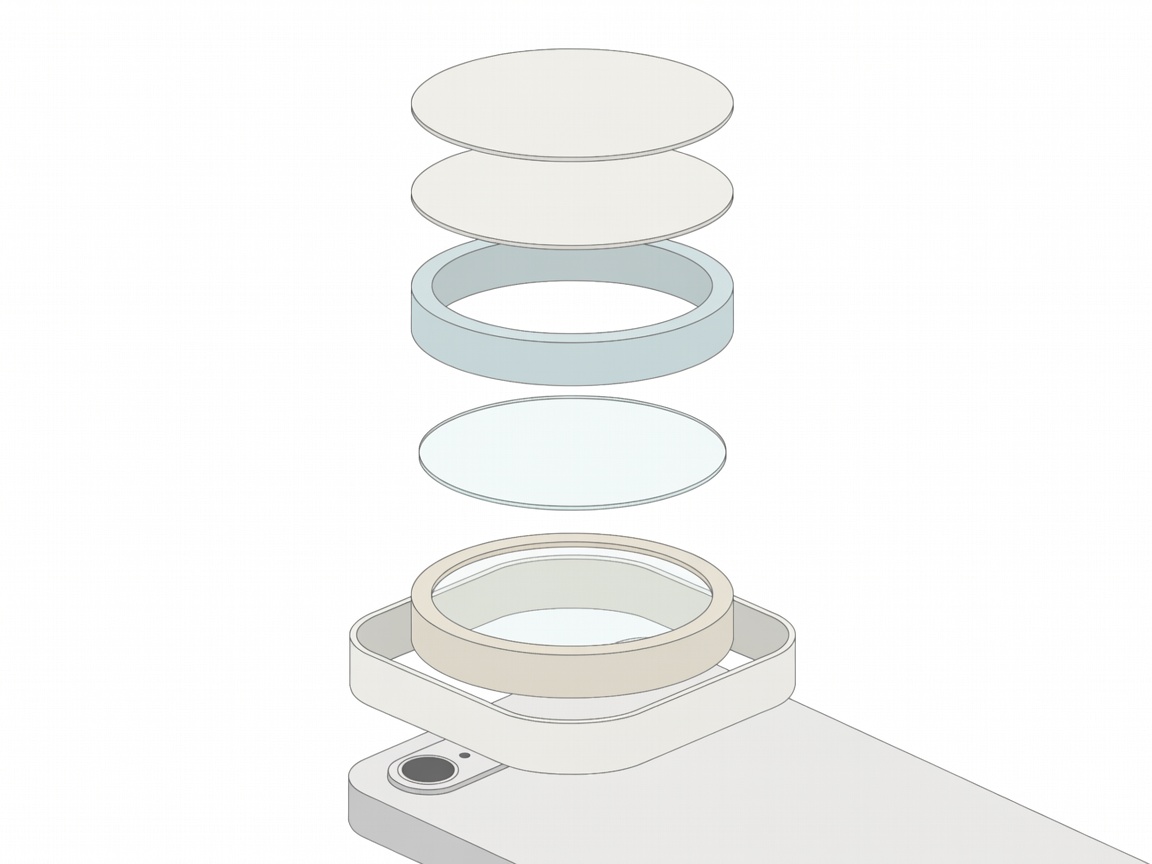
Cut matching openings in two pieces of stiff card. Each opening should be smaller than the lens’s outer edge but large enough to leave its useful central area unobstructed. Sandwich the lens between the pieces and secure the card edges. Adhesive should touch the holder, not the optical surfaces.
- Add a thin foam spacer to the phone-facing side. Check that no hard part can touch the camera cover, even when the card flexes.
- Make a broad card tab that rests against the phone case away from the camera bump.
- Use removable tape on a sound case to hold the tab during a tabletop test. Avoid microphones, buttons, flash and ventilation paths.
- If using a spring clip, use padded jaws and minimal necessary force on the holder or case. Never clamp directly onto the camera bump or press hard against the screen.
Do not use a loose water droplet as the lens. Liquid beside camera openings, speakers and case seams creates an avoidable risk. A stable dry attachment is easier to repeat and inspect.
Find the narrow focus zone
Open the camera application before securing the holder. Multi-camera phones may change lenses as light and distance change. Determine which camera is active using the live preview and your device instructions, then centre the added lens over it. If your application permits selecting a particular camera, that can reduce unexpected switching.
Dark corners often mean the lens is off-centre, too small or spaced poorly. Adjust alignment before cropping. Some lenses will not give a useful image on your phone, and turning them around may change the result. Test gently without letting the lens or holder scrape the camera cover.
Support the phone and slide the subject toward or away from it in tiny increments. At close distances, only a thin slice may appear sharp. A coin tilted toward the camera can have one crisp edge and a soft opposite edge even when nothing moves. Flatten the subject relative to the camera rather than chasing every area with autofocus.
Light from the side
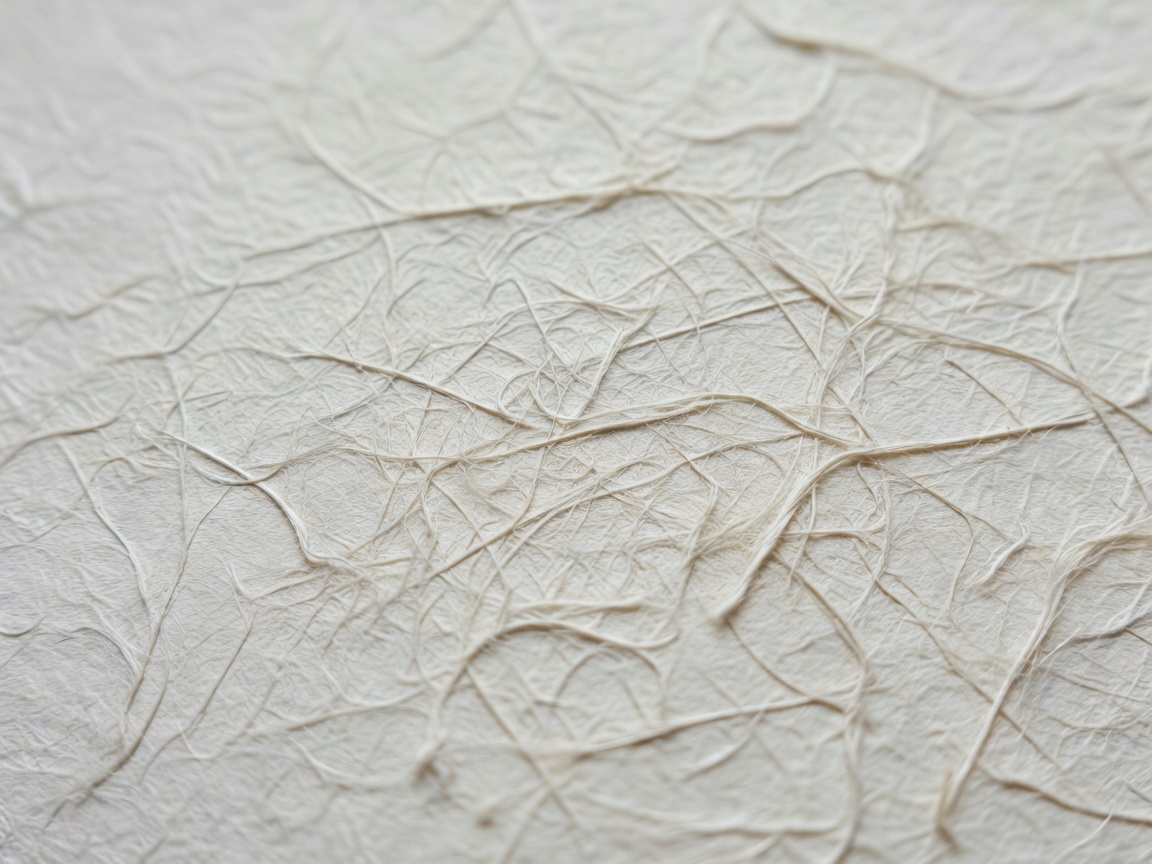
The attachment may put the phone close enough to shade the subject. Use window light from one side and a small white card opposite it. Angle the card until the shadow opens without becoming flat. Avoid the built-in flash if the holder blocks it or creates a bright reflection.
Use a timer and take several frames, making one small distance adjustment between each. Review the originals at full size. If the centre is sharp but the edges are smeared, that may be a limitation of the added lens rather than something more tape will fix. Use the central area, choose a flatter subject or return to the phone’s own close-focus mode.
Start with paper, fabric and fallen leaves rather than moving insects. Do not disturb wildlife or place a hot light near living subjects. After the session, remove the attachment, check the case for adhesive residue and put the lens in a covered container. Label the holder so you can reproduce the alignment without repeated trial and error.